1
Head to Celonames App
Navigate to the Celonames app and connect your wallet to the Celo network.
2
Search for an Available Name
Search for a name you’d like to register. The app will show you if it’s available.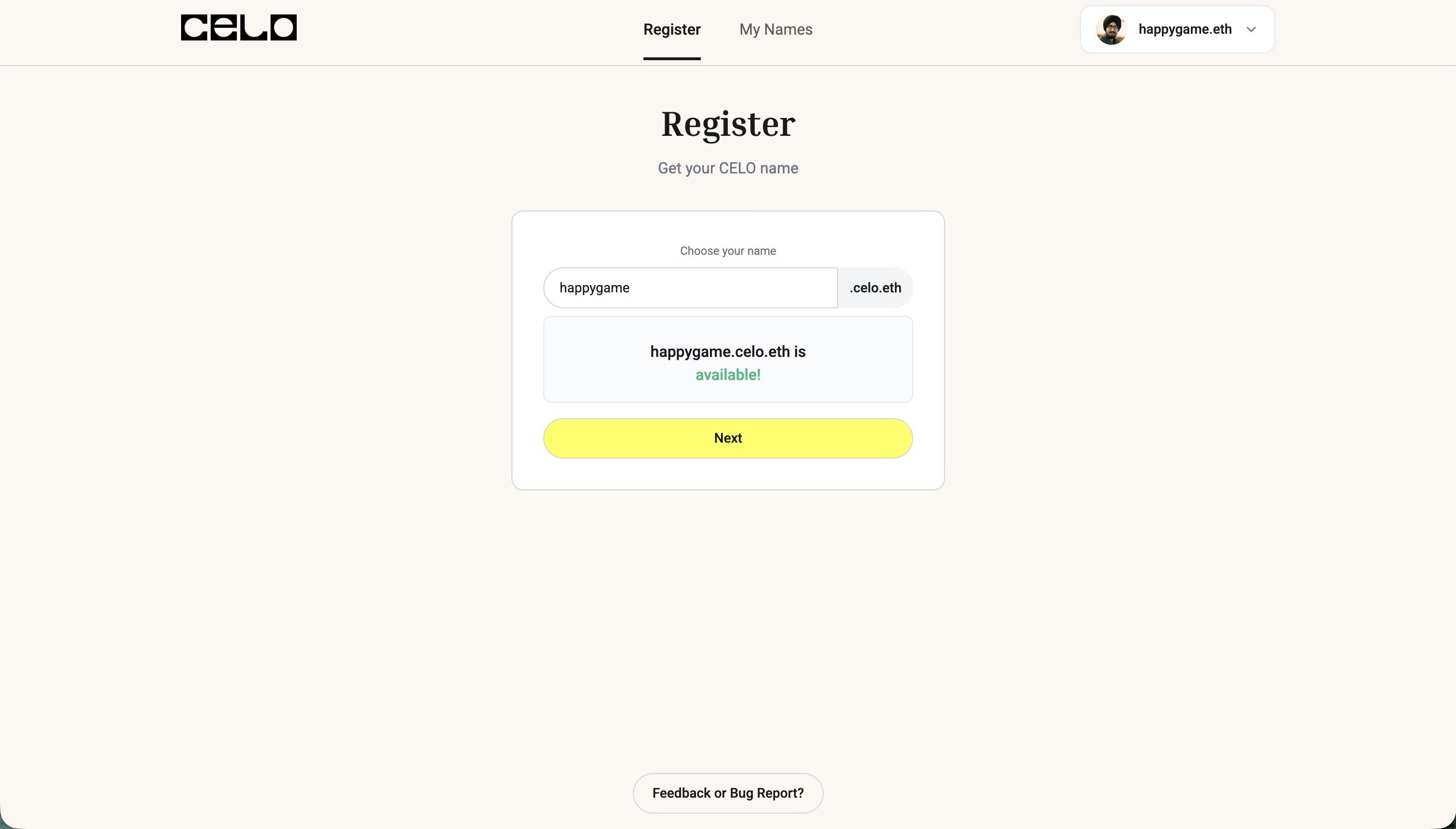
3
Choose Registration Duration
Select how many years you want to register the name for and choose your preferred payment token (CELO, USDT, USDC, or cUSD).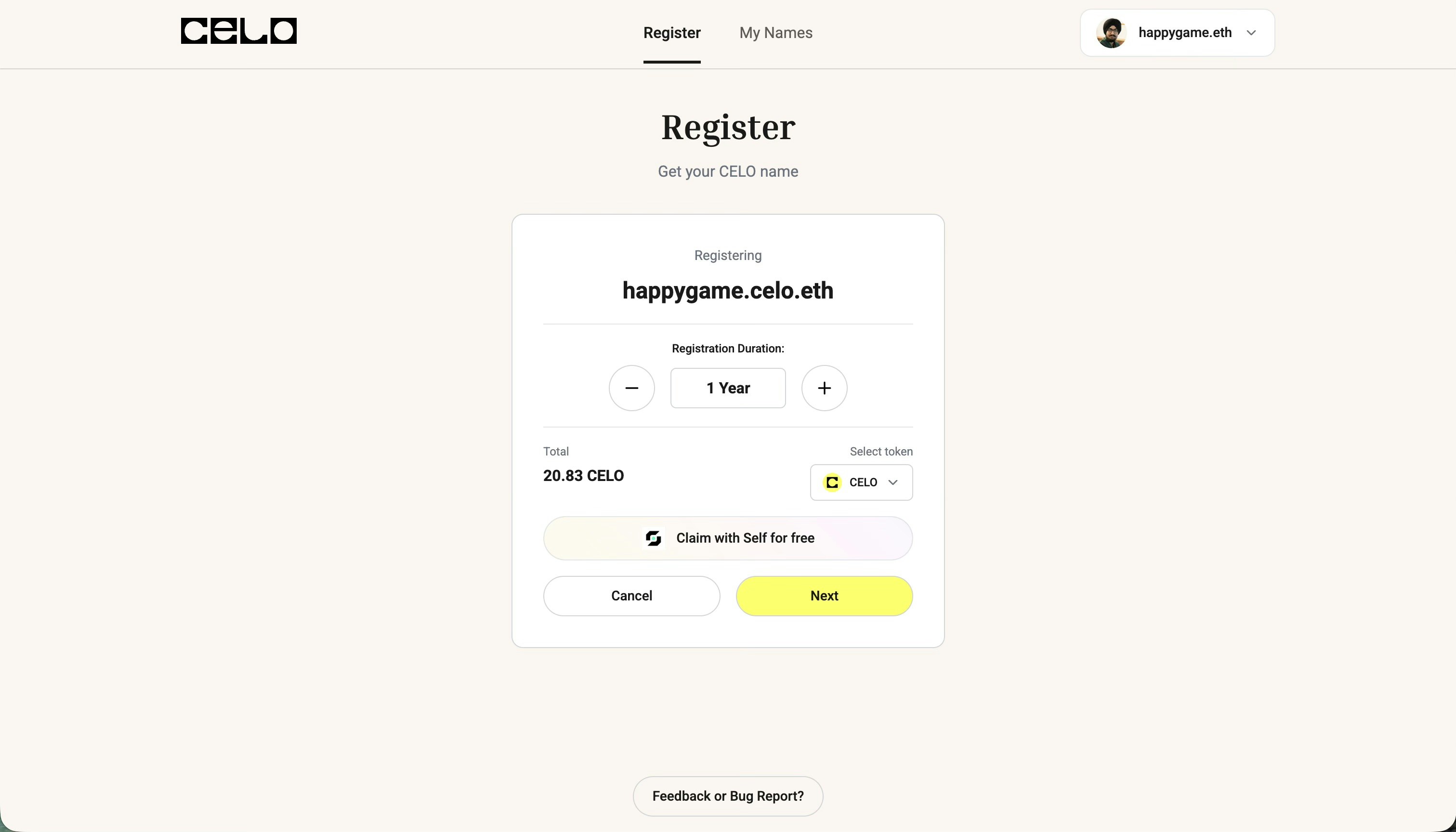
4
Add Profile Details
Once you’ve selected your registration duration, click next to add your profile details like avatar, description, and social links.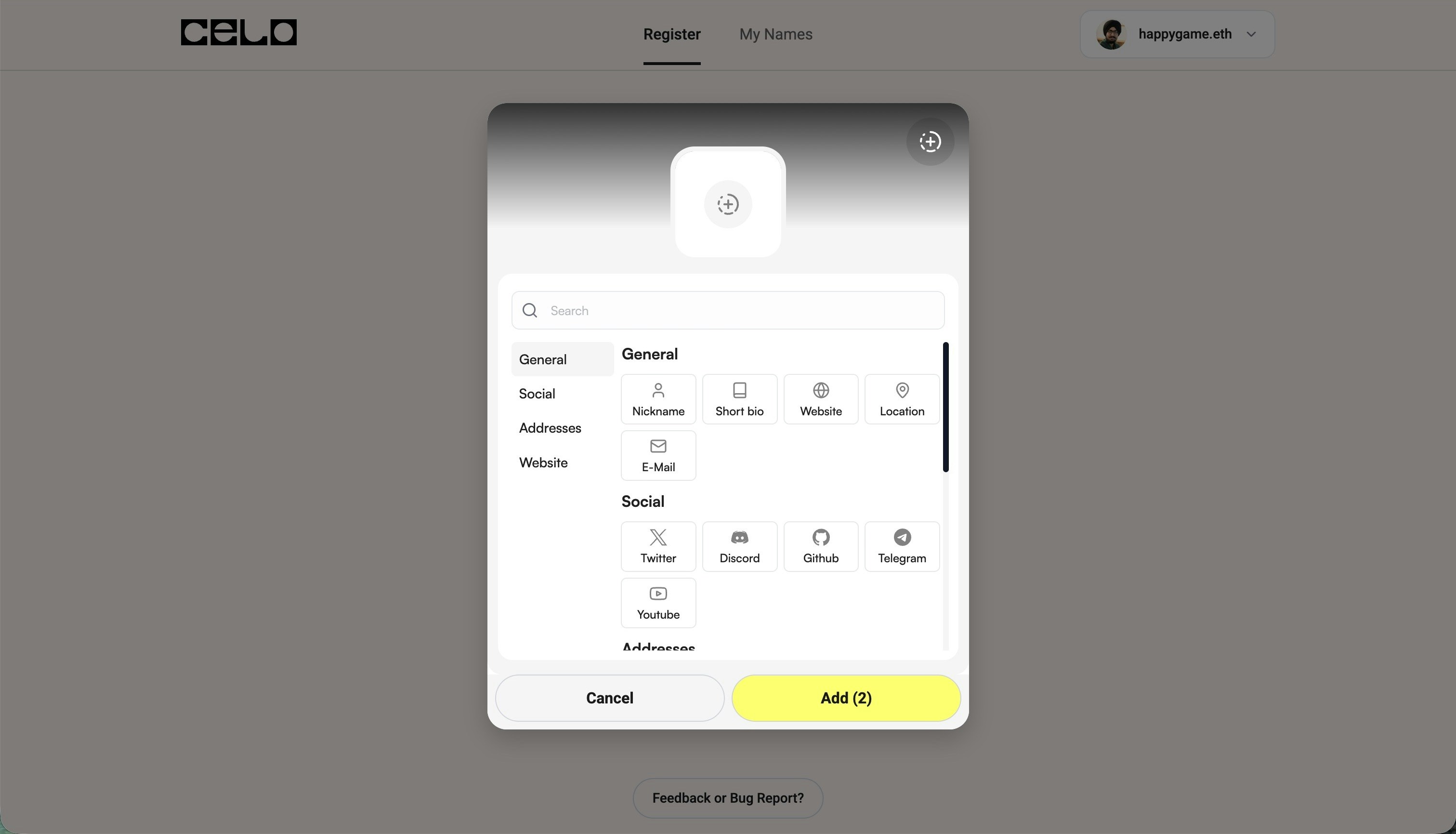
5
Register Your Name
Click the register button and confirm the transaction in your wallet.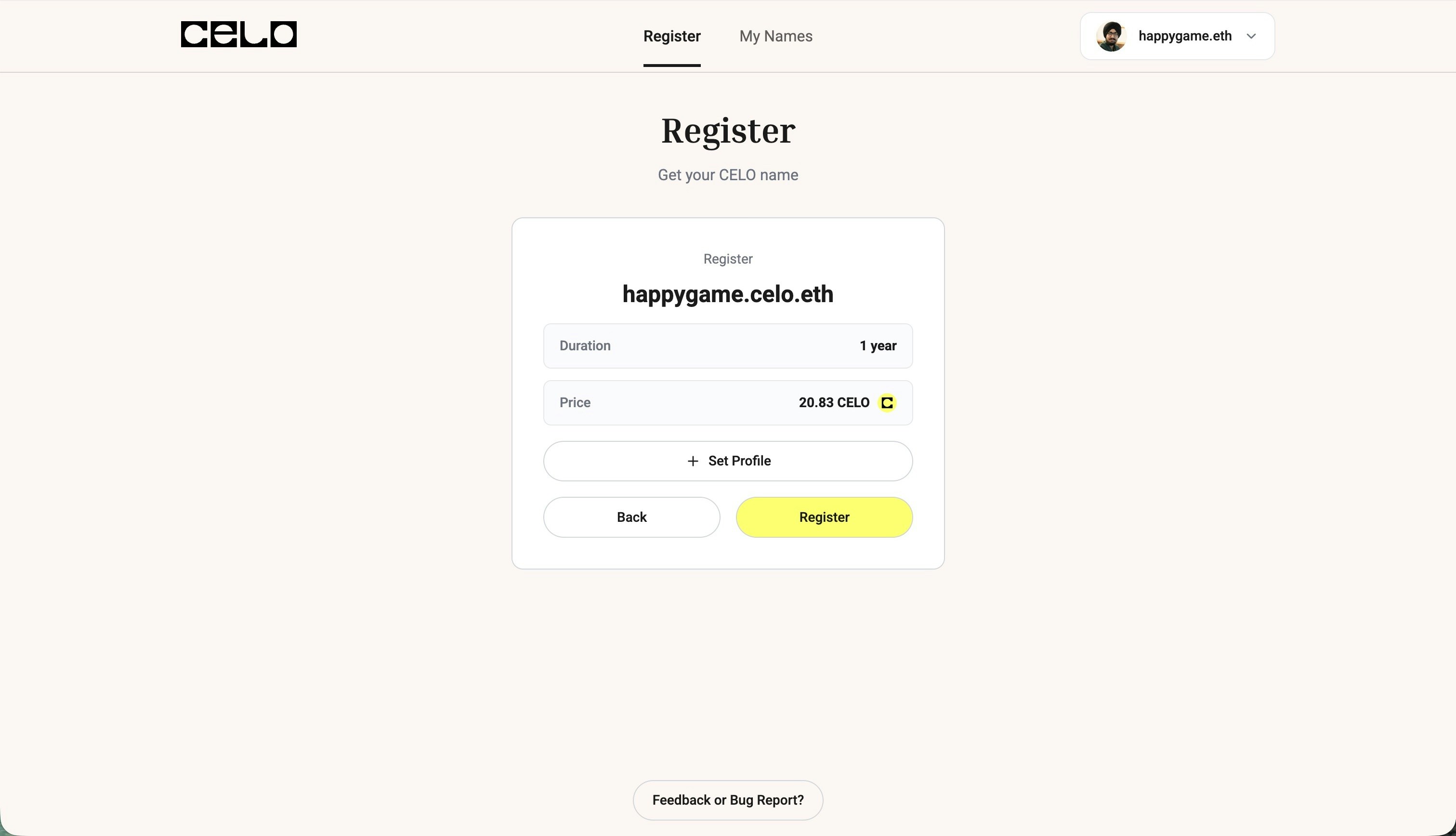
6
Wait for Confirmation
Your transaction will be processed on the Celo network. Once confirmed, your name will be successfully minted!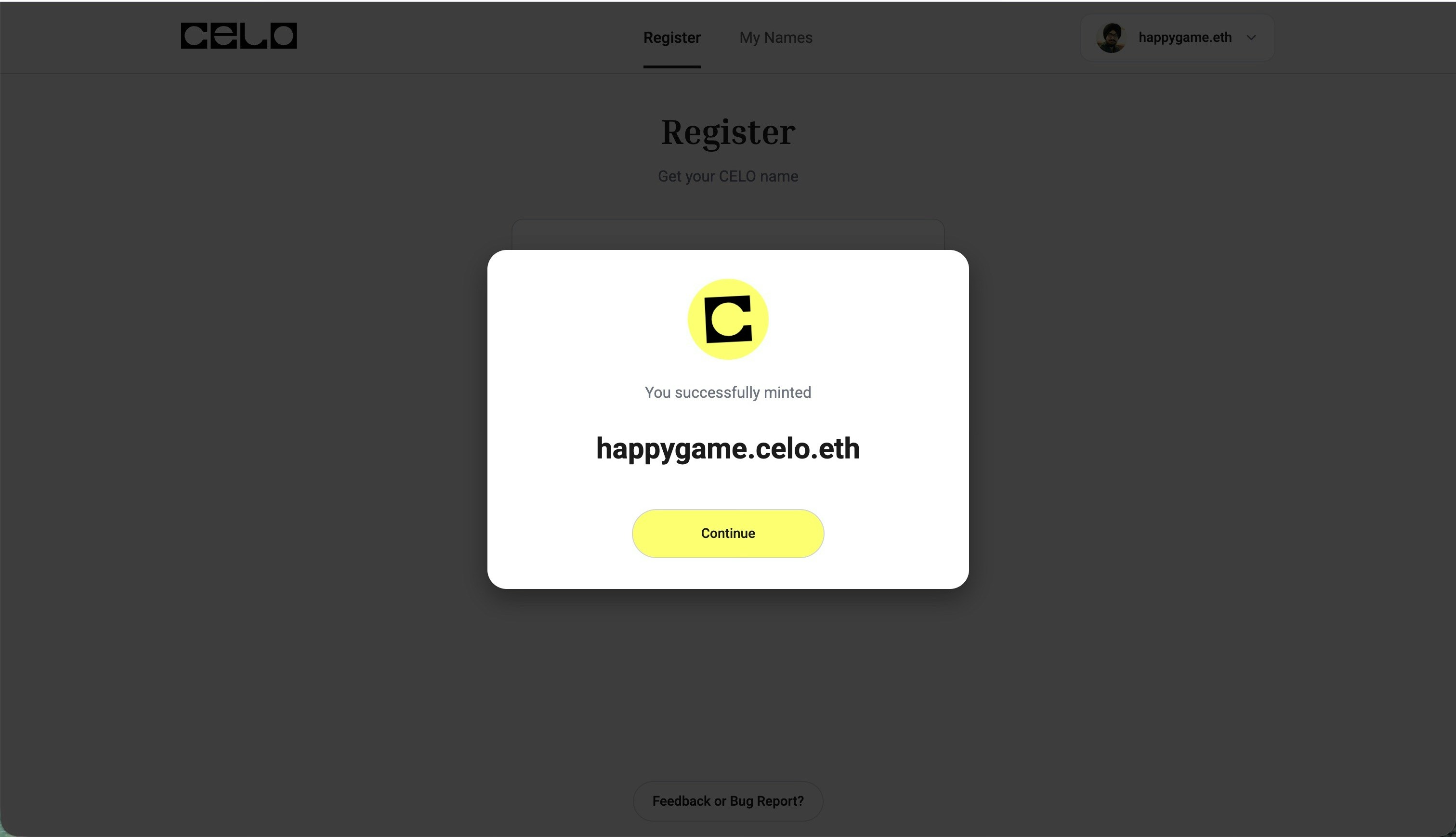
7
View Your Name
You can now see your newly registered Celo Name in your profile.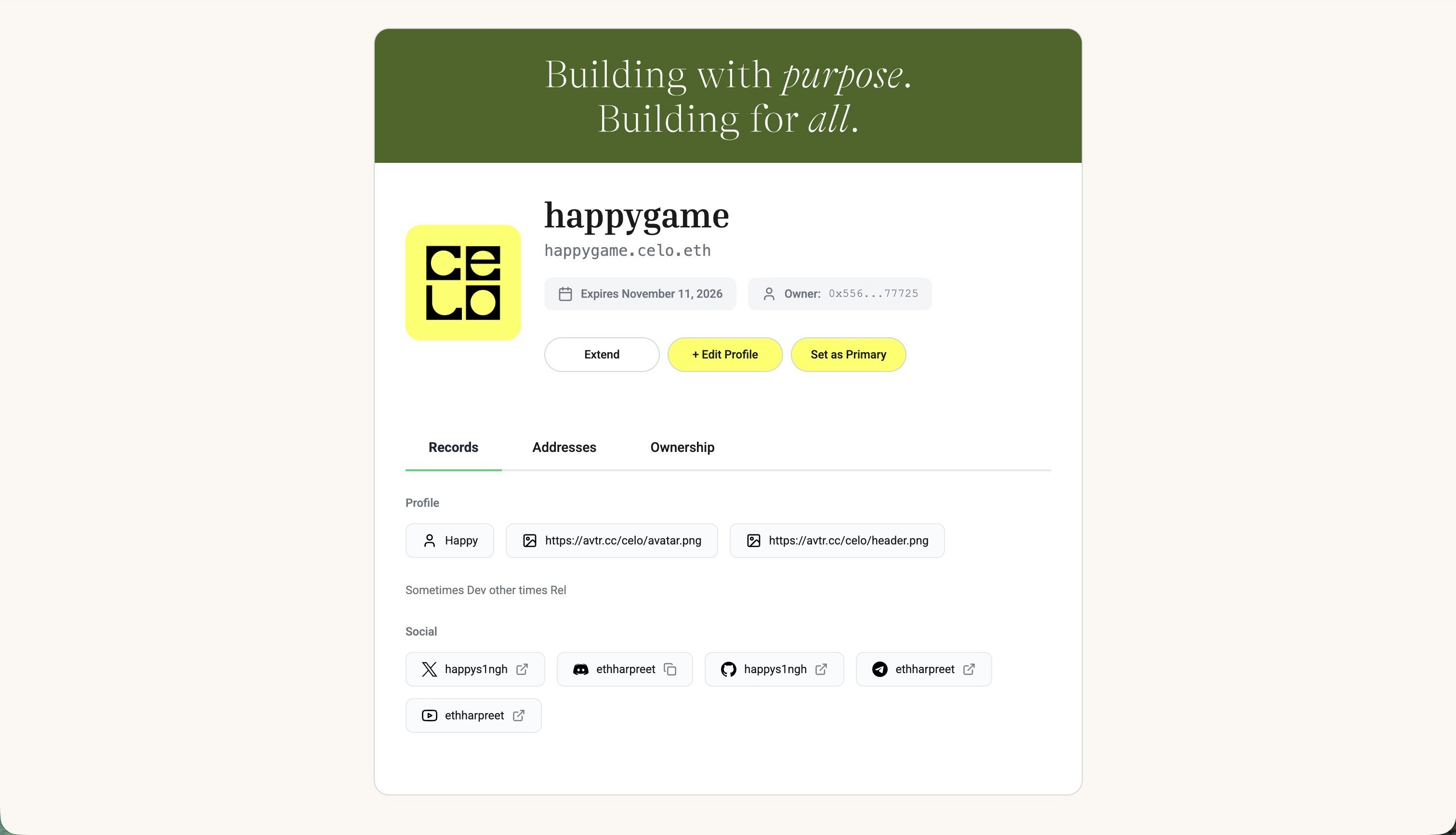
8
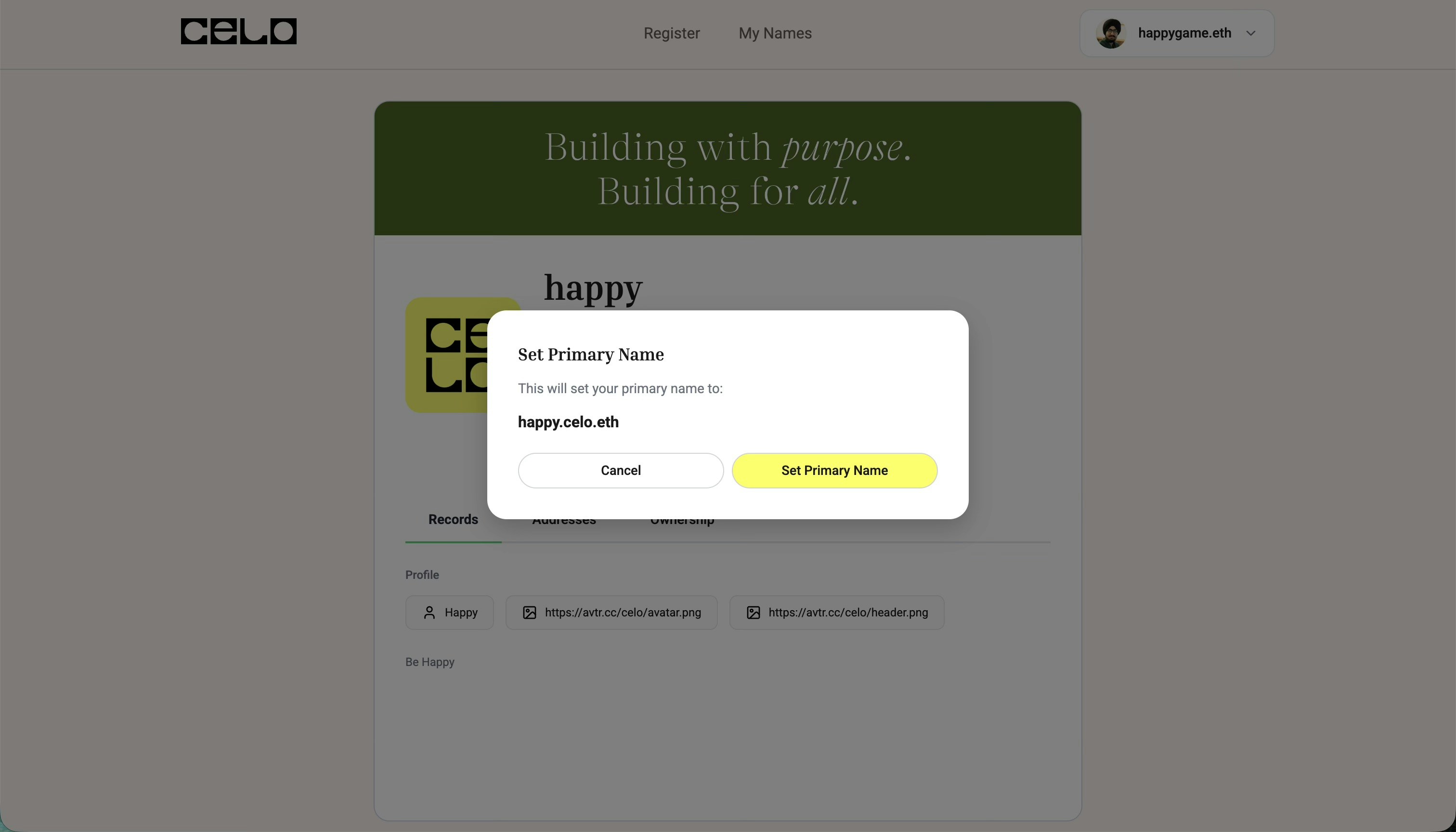
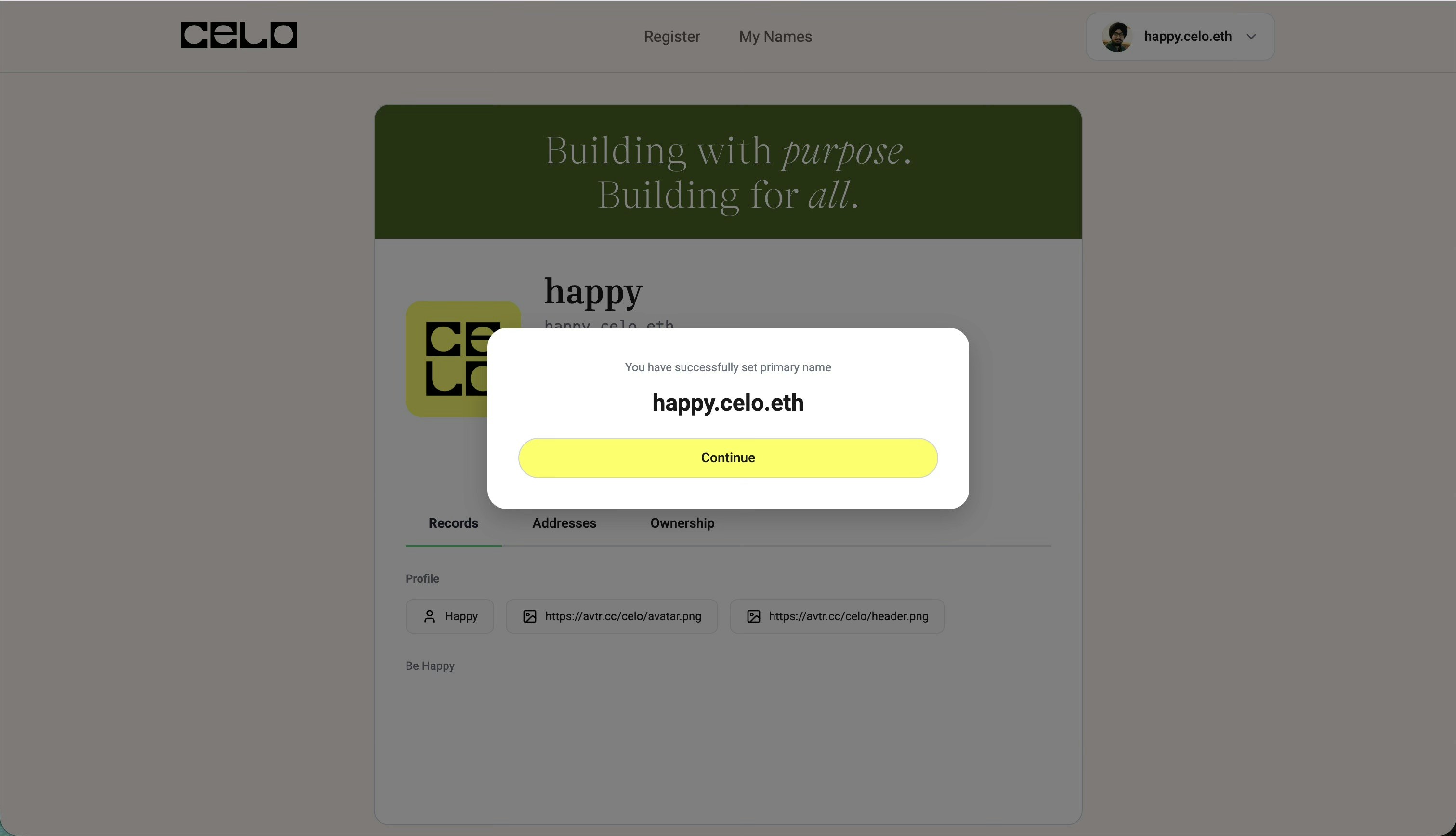
Set as Primary Name (Optional)
Celo Name as Primary Name
Setting a primary name requires a separate transaction on Ethereum mainnet and will incur gas fees on that network.