1
Head to Celonames App
Navigate to the Celonames app and connect your wallet to the Celo network.
2
Search for an Available Name
Search for a name you’d like to register. The app will show you if it’s available.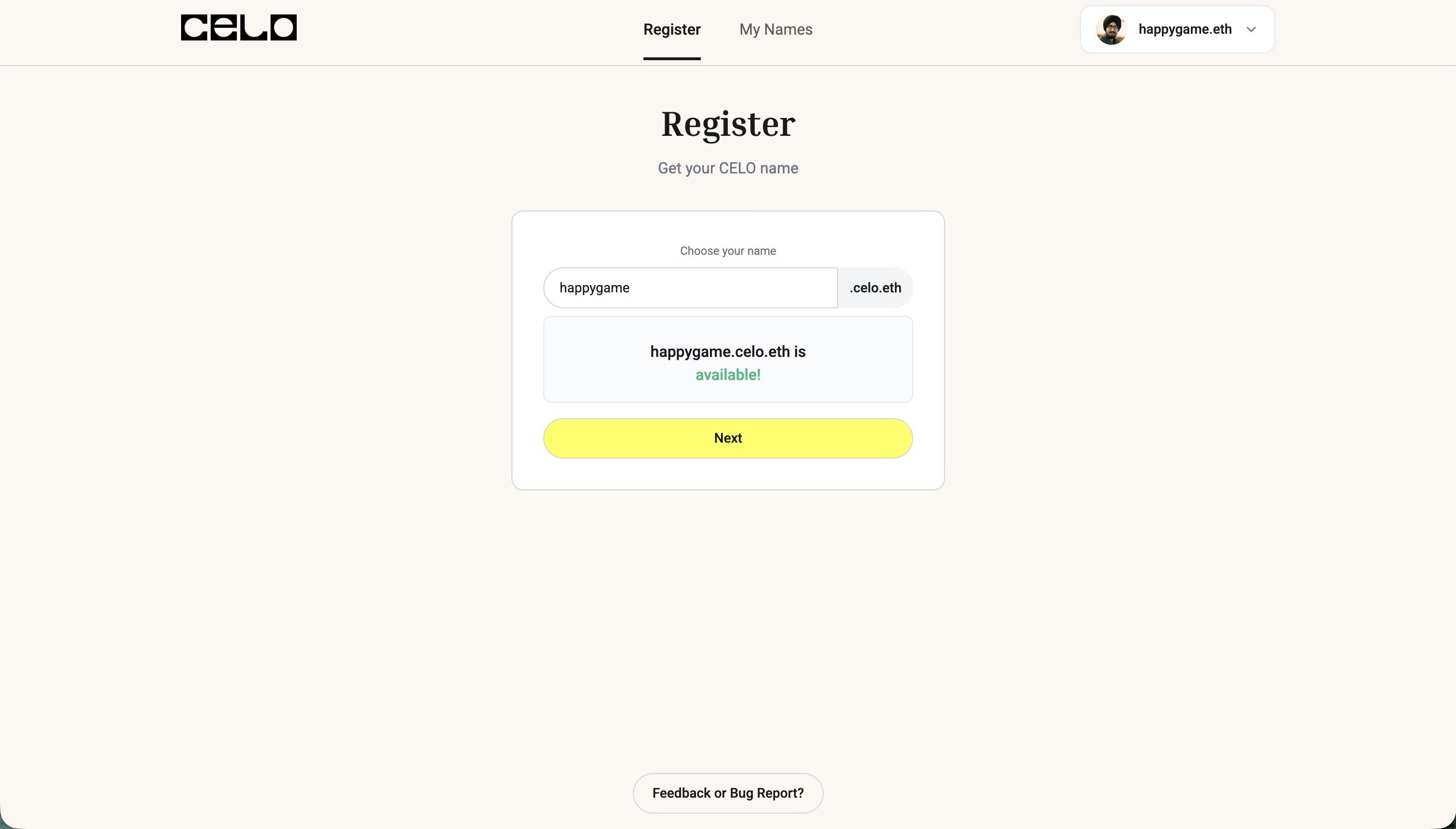
3
Choose Claim with Self
After selecting your name, click on “Claim with Self for free” instead of the regular registration option.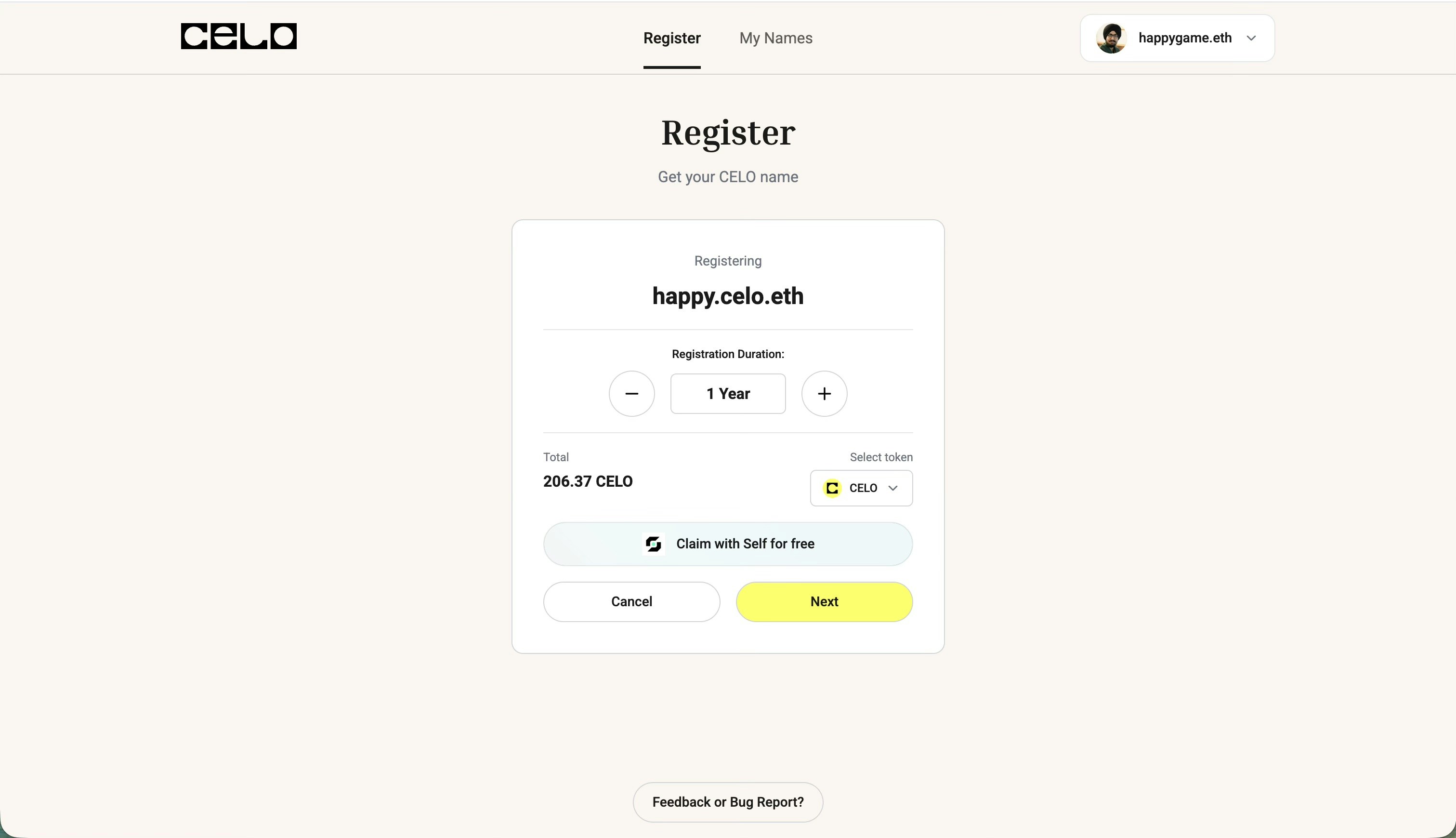
4
Scan QR Code with Self App
A QR code will appear on your screen. Open your Self app on your mobile device and scan this QR code.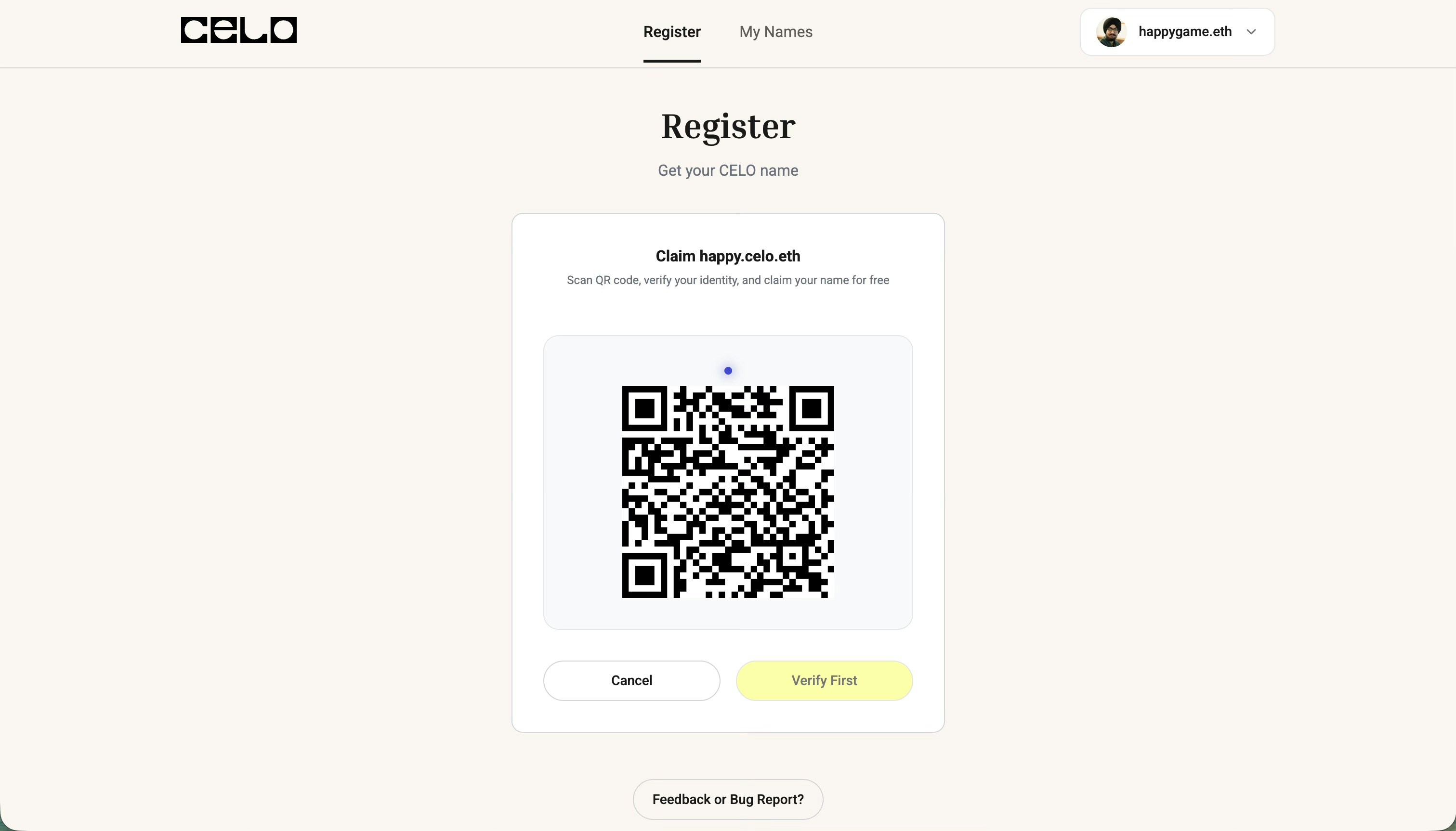
Make sure you have already added and verified a passport or national identity document in your Self app before proceeding.
5
Verify Your Identity
Once you scan the QR code, you’ll be prompted in the Self app to verify your identity proof.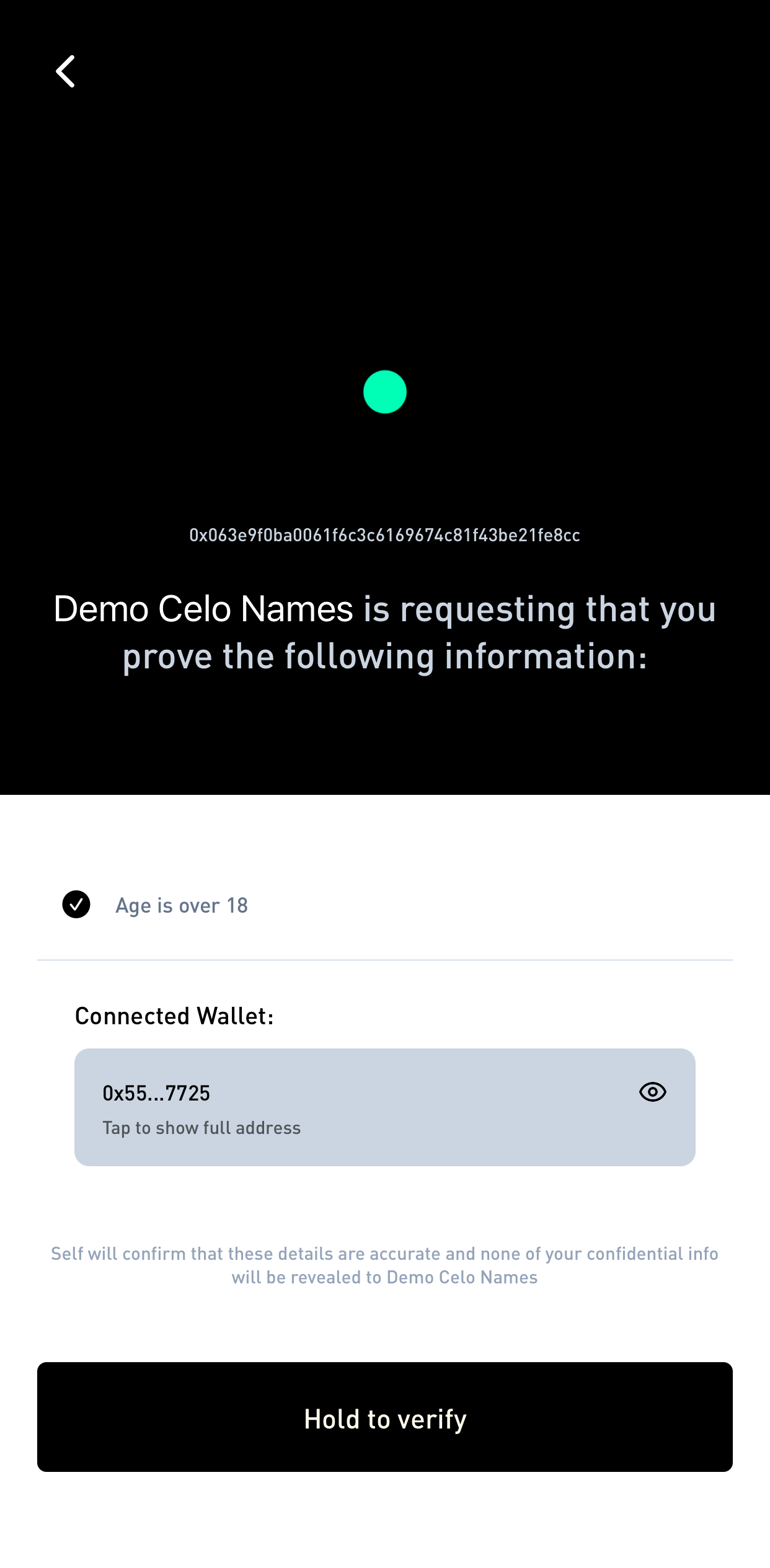
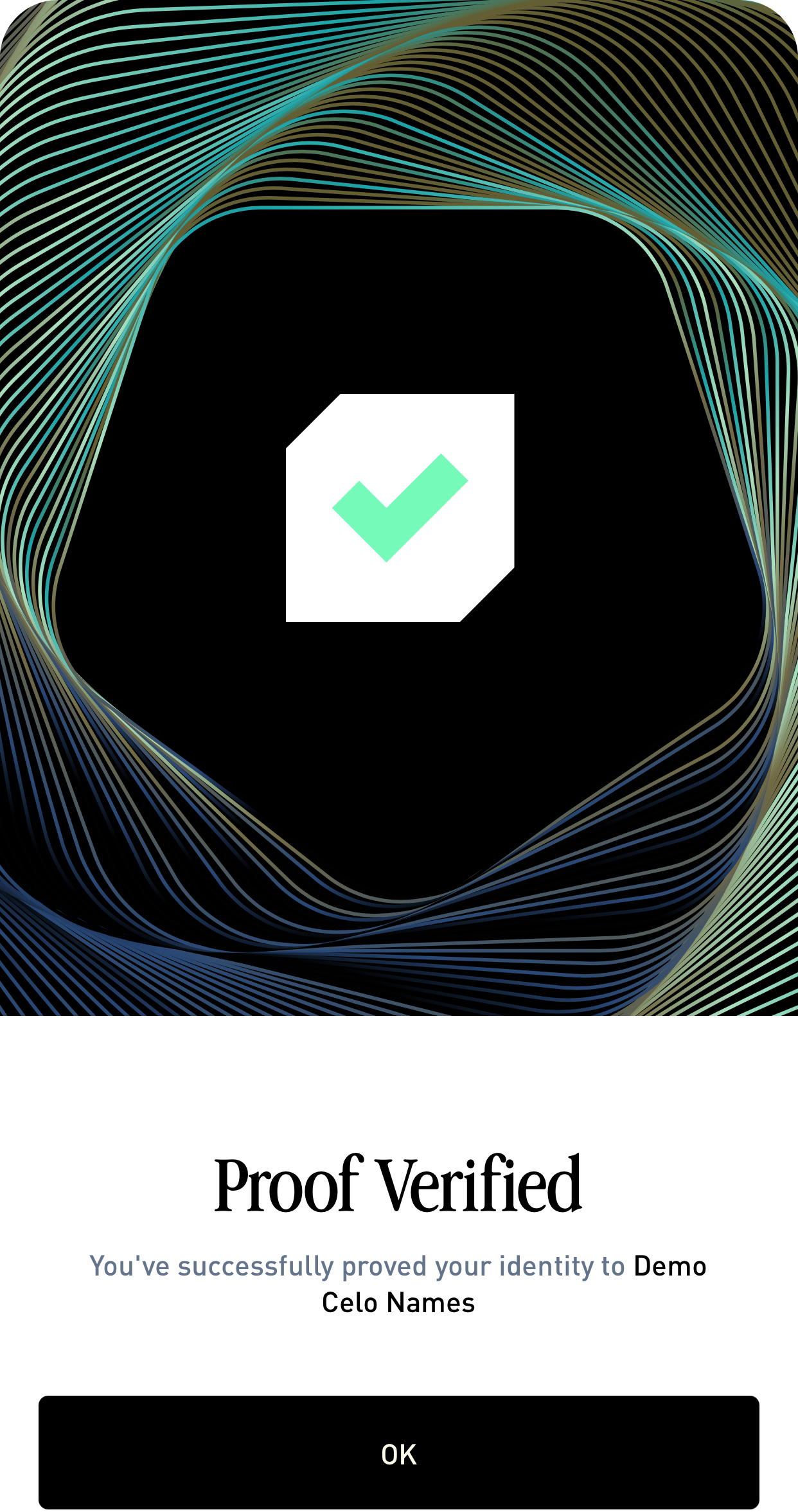
Verify identity in Self app
Verification confirmed in Self app
6
Confirmation on Both Devices
The verification screen will appear on both your Self mobile app and your browser, showing that your identity has been verified.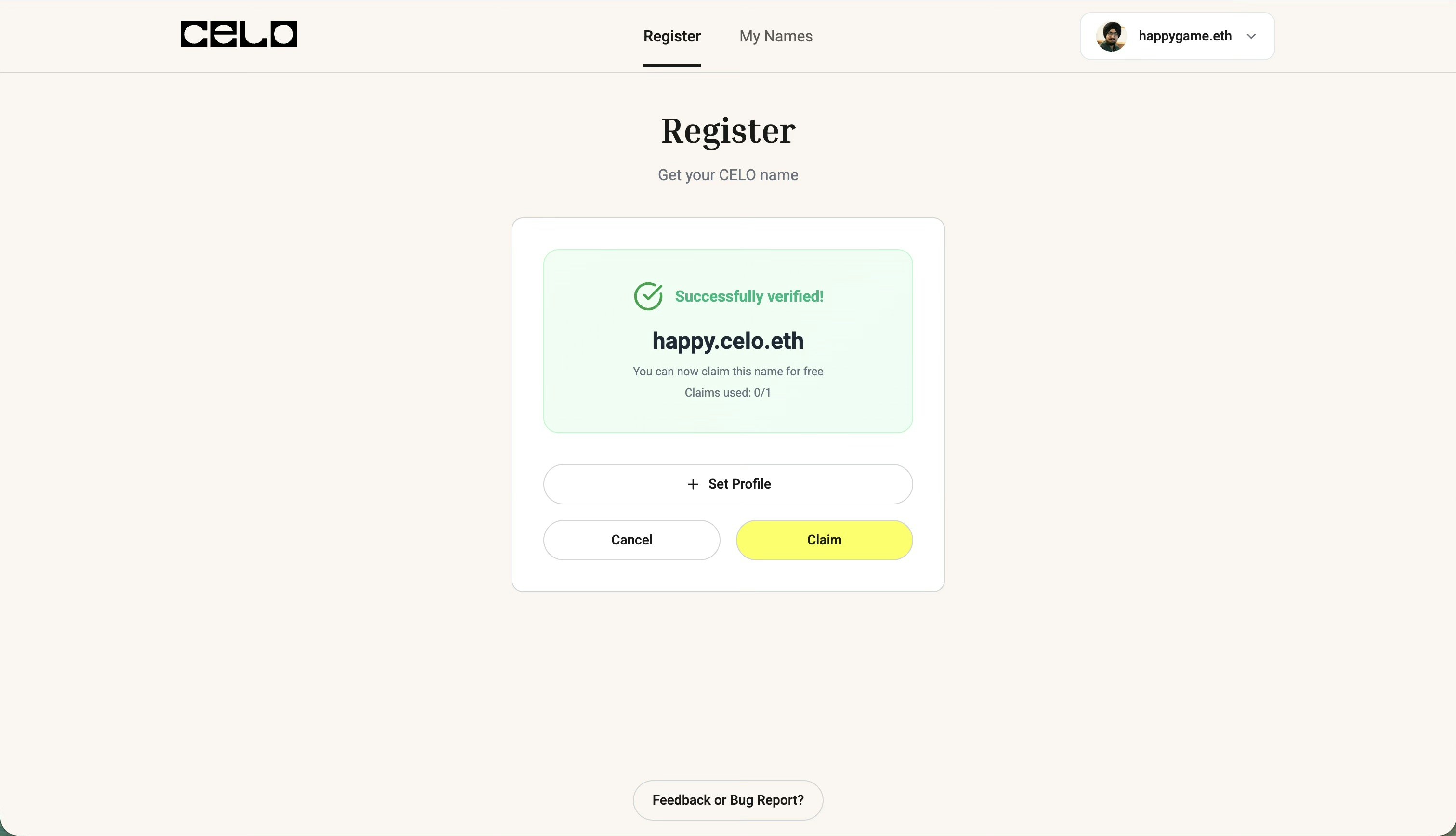
7
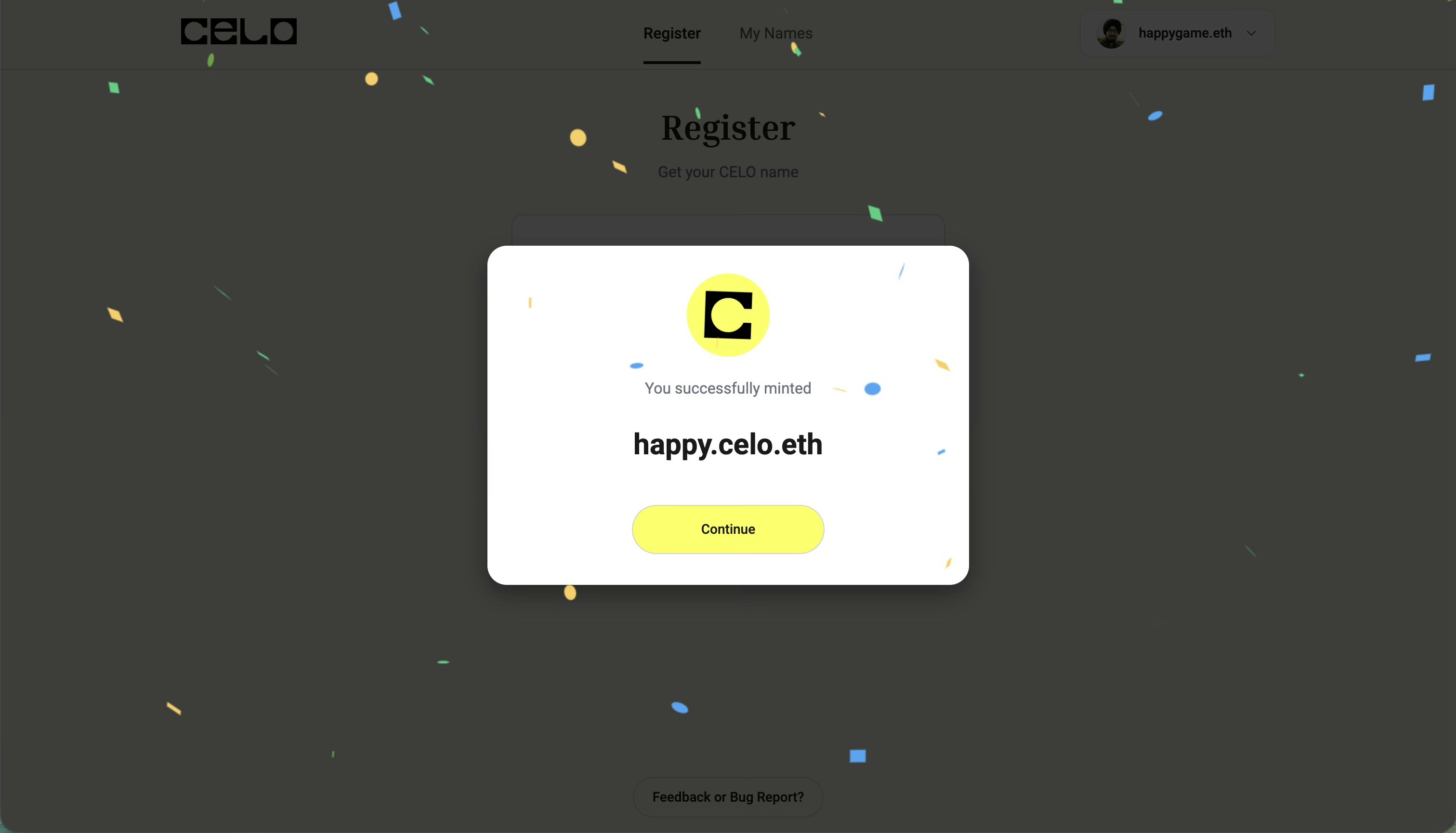
Registration Complete
Once verified, complete the registration by confirming the transaction in your wallet. Your Celo Name will be minted for free!