1
Navigate to Your Name
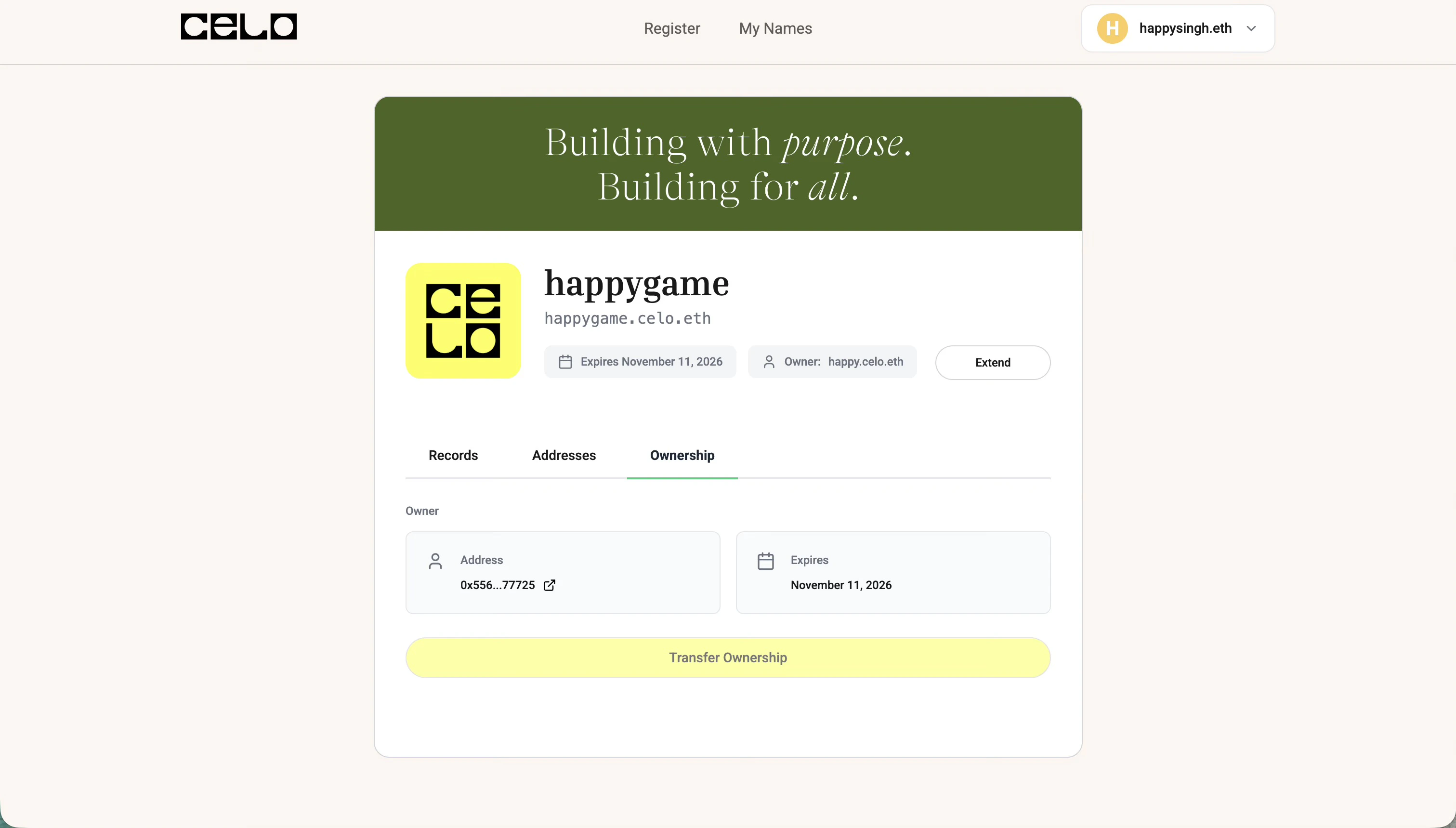
Go to the Celonames app, connect your wallet, and navigate to the name you want to transfer.
2
Open Ownership Tab
Click on the Ownership tab and then click on Transfer Ownership.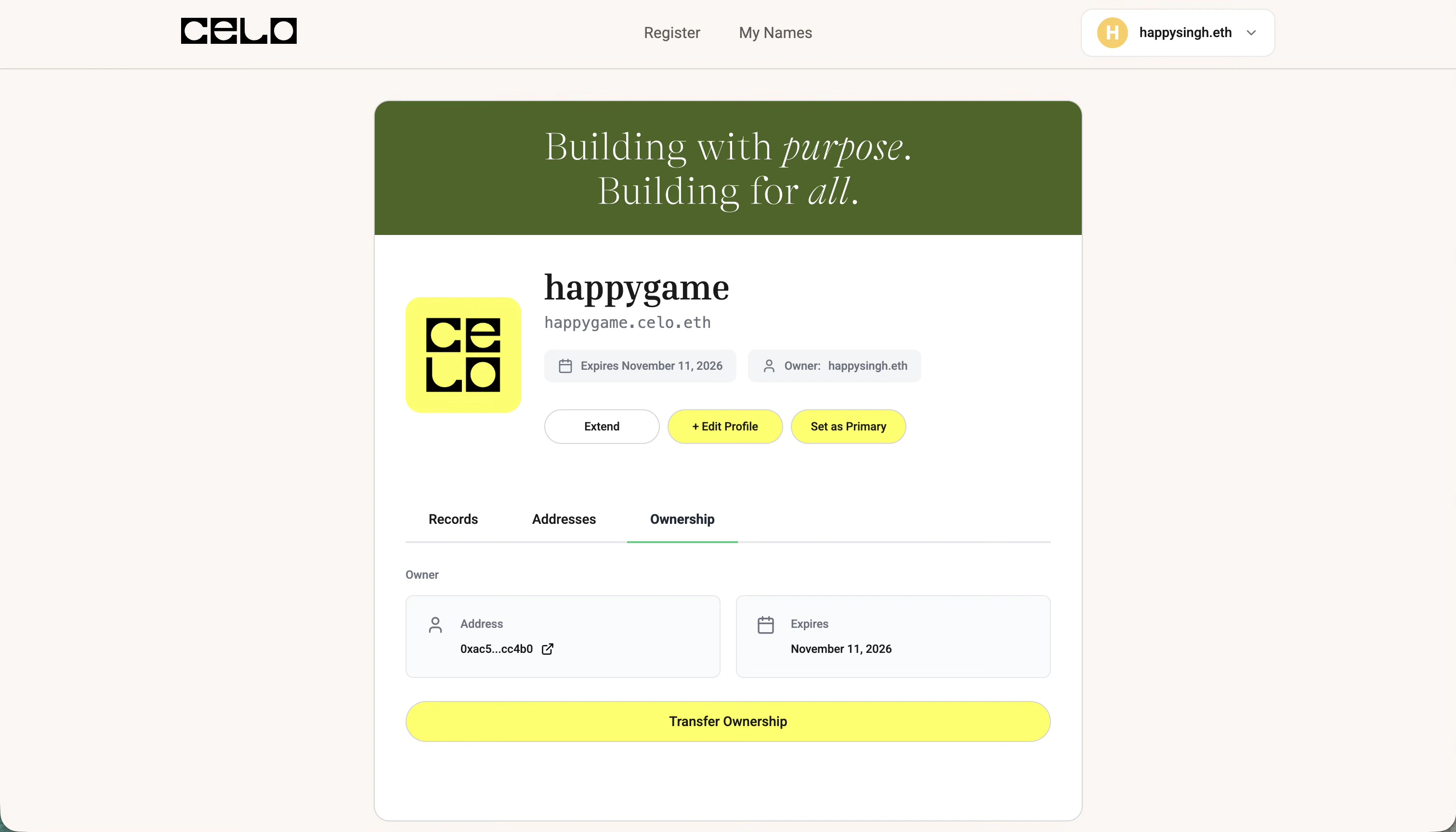
3
Enter Recipient Address
Add the recipient’s ENS name or Ethereum address in the input field and click Transfer Ownership.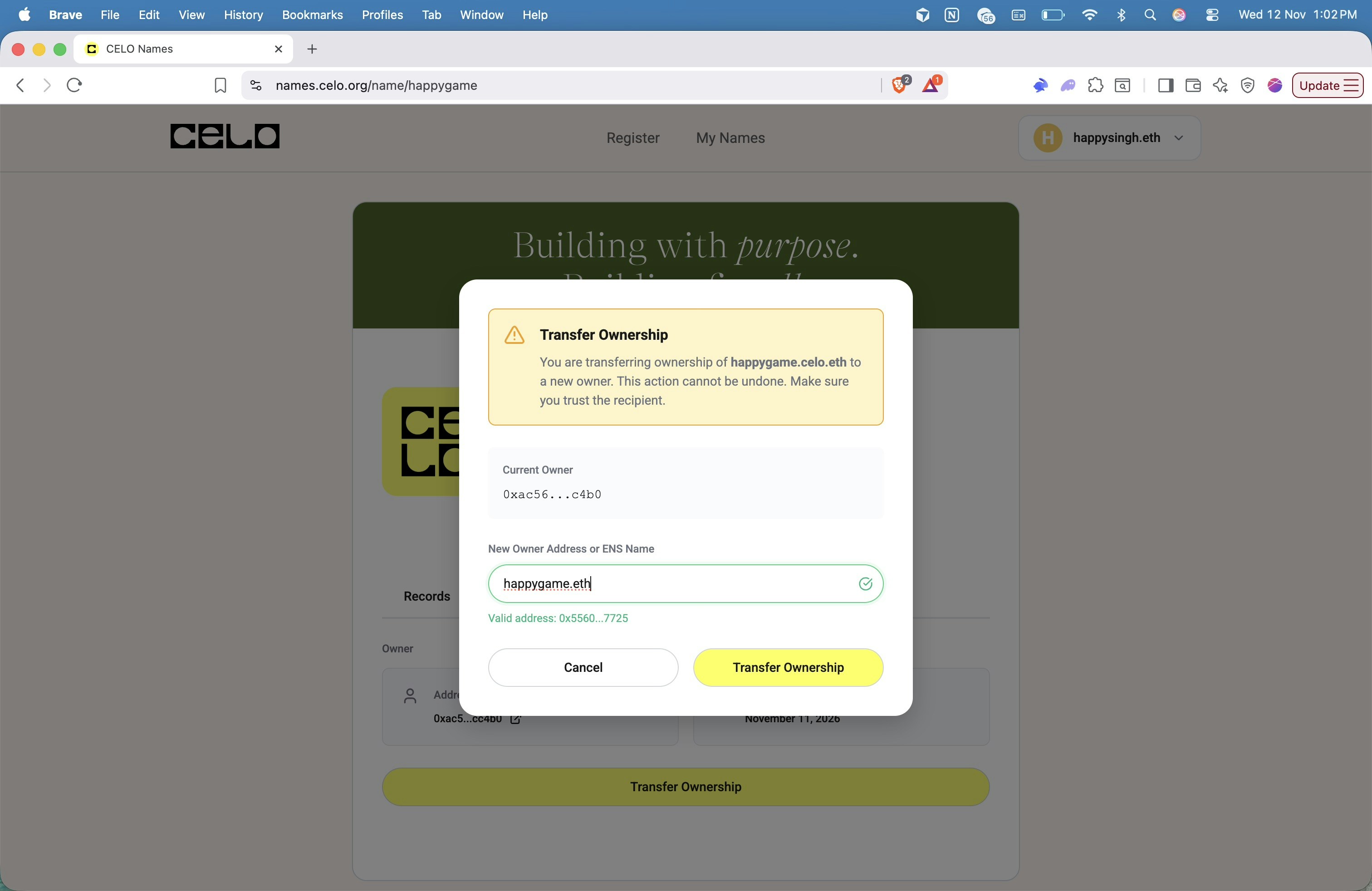
4
Transfer Complete
Once the transaction is confirmed, the ownership will be successfully transferred to the recipient!